Draw the round before you play it.
Plan executes, retakes and setups on 13 maps. Drop agents and real-size utility, draw the routes, animate the round step by step, then send your team one link or export it.
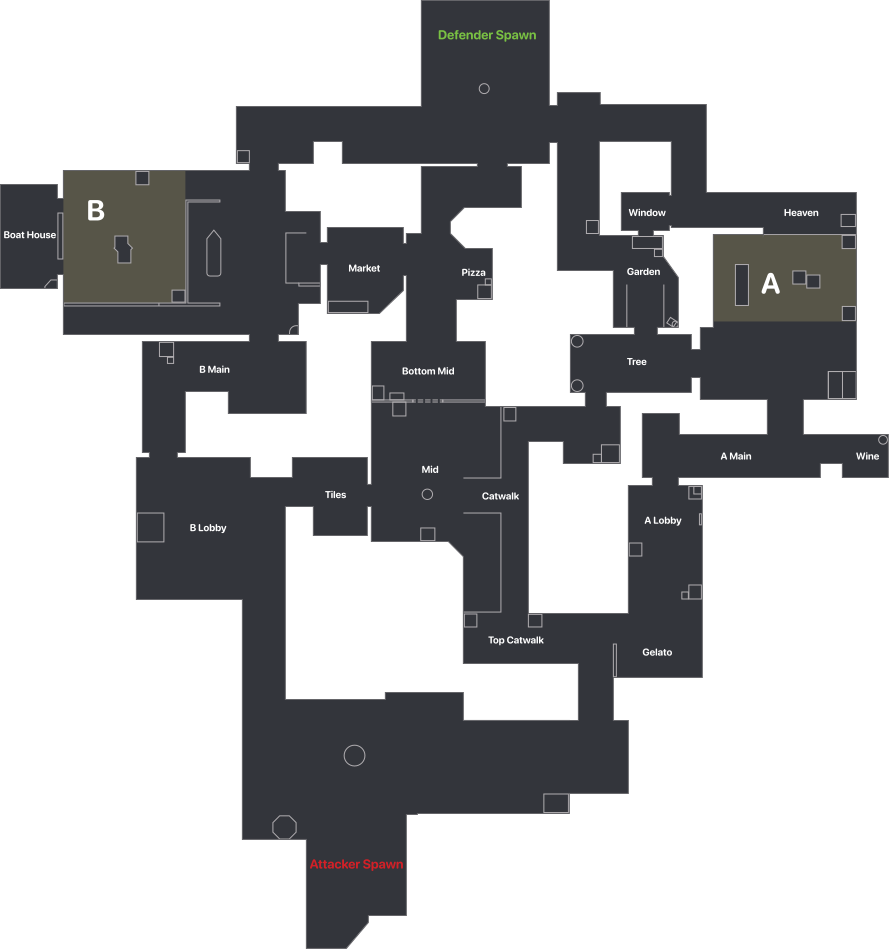
Real-size, not guesswork
Every smoke, molly, wall and vision cone is calibrated to Riot's official minimap, so what you draw is close to its real size in game.
Show the round, not a screenshot
Add up to 10 animated steps and press Play to walk your team through exactly how an execute or retake unfolds.
Share it your way
Save strats to a private library in this browser, copy a share link, or export the board as a PNG or video.
VALORANT strategy planning, explained
How do I plan a VALORANT strategy?⌄
Pick a map and side, click an agent or ability and then the map to place it, and draw routes with the pen or arrow tool. Add steps to show how the round plays out, then press Play.
Do I need an account to save a strat?⌄
No. Every strat autosaves to a library in this browser, and Share link puts the whole plan in a URL you can send to your team.
Are smokes and mollies drawn to scale?⌄
Yes. Each map is calibrated against Riot's official minimap, so smokes, mollies, walls and vision cones show their real size in metres. Ability sizes follow published values and can change with patches, so treat them as approximate.
Can I animate more than one step?⌄
Yes, up to 10 steps per strat. Place agents and utility for each moment of the round, give each step a short note, then press Play to watch it walk through automatically, or Present to show it fullscreen to your team.
Can I bring a lineup from the Lineup Lab into a strat?⌄
Yes. Open any lineup on the Lineups tab and use "Add to strategy board" to drop that agent and utility placement straight onto the board.
Can I open a moment from a replay?⌄
Yes. On the Replays tab, pause anywhere and press Planner: every living agent, active smoke, molly and wall lands on the right map as a new strat you can edit.
How do I remove something I placed?⌄
Click it and press Delete (or the trash button beside it), or switch to the eraser and click it. Ctrl+Z undoes and Ctrl+Shift+Z redoes.
The full live in-match scoreboard and everything it does.
Find utility on interactive tactical maps.
Watch any replay back top-down, round by round.
See every lobby rank, peak and RR live.
Flag likely smurfs before round one.
Spot premades and stacks on both teams.
Auto-lock your agent, per map.
Launch VALORANT and appear offline.
Turn text into paste-ready chat art.
Copy 200+ pro crosshair codes, rendered live.
Match your eDPI to pros and convert between games.
Know the lobby before round one
Valorant Scout also shows every player's rank, RR, K/D, parties, smurf flags and skins live from your own client.
Windows 10 & 11 · free & open source · reads only your own client · no account.